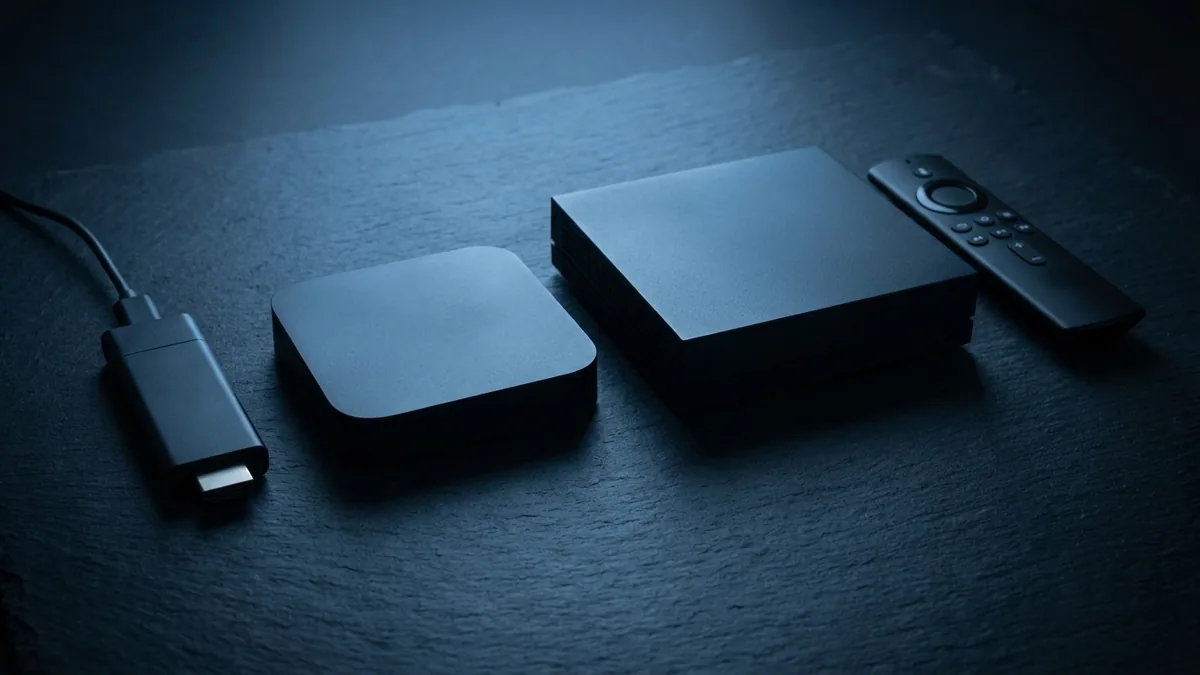
The best IPTV device for most people is a Fire TV Stick 4K Max at around $60. That is the whole answer, and everything below explains why the $200 and $250 options are usually the wrong purchase — and the two situations where they are not.
The short version
| Device | Price | Best for | Verdict |
|---|---|---|---|
| Fire TV Stick 4K Max | ~$60 | Almost everyone | Buy this |
| Your existing Smart TV | $0 | Samsung and LG owners | Try first |
| Chromecast with Google TV | ~$50 | Play Store convenience | Good value |
| Nvidia Shield TV Pro | ~$200 | Mixed-quality channel lists | Only if upscaling matters |
| Formuler Z11 Pro Max | ~$250 | People who want a real remote | Buy for the hardware feel |
| Older Smart TV (pre-2016) | $0 | Nothing | Add a stick instead |
Start with what you already own
Before buying anything, open your television’s own app store and search for an IPTV player. A Samsung Tizen or LG webOS set from roughly 2016 onward will run Smart IPTV, IPTV Smarters or Net IPTV directly. No extra box, no second remote, no HDMI input to switch to.
This is genuinely the best experience when it works, because there is nothing to manage. The limitation is app choice: TiViMate, which has the best programme guide in the category, is Android-only and will never appear on Tizen or webOS. If the guide matters more than convenience to you, that is the reason to add a stick.
When your TV is not enough
Sets older than about 2016 often cannot install current IPTV apps at all — the app exists but the platform is too old for the current build. Check for a firmware update first. If that fails, a $60 stick solves it and gives you a better app selection than the television ever had.
Fire TV Stick 4K Max — the default answer
Around $60, and the right purchase for most people reading this. It has enough processing headroom for stable 4K, supports Wi-Fi 6, and runs both TiViMate and IPTV Smarters Pro well after sideloading.
The one complication is that Amazon does not carry IPTV players in its store, so you install them through the Downloader app after enabling Apps from Unknown Sources. That sounds harder than it is — it takes about five minutes and our Firestick setup guide walks through it including the developer-options step that catches most people out.
Do not buy the standard Fire TV Stick
The non-Max model is around $20 cheaper and noticeably underpowered for 4K IPTV. The interface becomes sluggish while decoding, and channel changes take longer. The Max is the one worth having; the saving on the base model is a false economy.
Add the Ethernet adapter
Amazon’s official Ethernet adapter is about $15 and it is the best value purchase in this entire article. Wi-Fi bandwidth fluctuates with distance, walls and neighbouring networks, and 4K has very little tolerance for a dip. A cable eliminates the most common cause of buffering outright.
Nvidia Shield TV Pro — the performance option
Around $200. More processing power than anything else in the category, an Ethernet port built in, and genuinely excellent AI upscaling that makes lower-resolution channels look better than they should.
That upscaling is the actual reason to buy one. If your channel list is a mix of 4K, 1080p and older SD content, the Shield will make the weaker streams watchable in a way a Firestick will not. If everything you watch is already 4K, you are paying $140 extra for headroom you will never use.
Formuler and BuzzTV — dedicated IPTV boxes
$150 to $250, built specifically for this. What you are buying is the physical experience: a proper remote with number keys for direct channel entry, a dedicated HDMI input, and an interface designed for live television rather than app grids.
Be clear about what you are not buying. A Formuler Z11 and a $60 Firestick produce an identical picture from the same stream, because the stream is the stream. If a review tells you a box improves image quality, it is describing upscaling, which the Shield does better for less.
Apple TV 4K — good hardware, limited apps
Around $130 and excellent hardware with a genuinely good remote. Everything installs straight from the App Store with no sideloading. The constraint is app selection: IPTV Smarters Pro and GSE Smart IPTV are both fine, but neither matches TiViMate. Worth it if you already live in Apple’s ecosystem, not worth switching to.
What actually determines your picture quality
This is the part most device comparisons skip, and it matters more than the device.
- Your connection. 10 Mbps for HD, 25 for 4K, 50 for 8K — sustained, not peak. No device compensates for a line that sags at nine in the evening.
- Wired versus wireless. A $10 cable beats a $200 box for stability. Every time.
- The provider’s encoding. Two services can both say 4K while spending wildly different bitrates on it. Resolution is a specification; bitrate is the picture.
- Your player settings. Buffer at two to four seconds, hardware decoding on, output set to 4K rather than Auto, television motion smoothing off.
- The device. Genuinely last. Any device from the past few years handles 4K.
If you are choosing where to spend, spend it on the connection and then on the cable. The device is the least important variable in the list, which is the opposite of how it is usually sold.
What we would buy
A Fire TV Stick 4K Max and the $15 Ethernet adapter. About $75 total, and it will hold up against boxes costing three times as much on any stream a provider actually delivers.
If you want the remote and the dedicated input, buy a Formuler and enjoy it — just do it knowing you are buying ergonomics rather than quality. And if you own a recent Samsung or LG, spend nothing until you have tried the television itself.
Whatever you use, our setup guides cover every device individually, and the free trial lets you test on your own hardware before committing to either a device or a subscription.